Introduction
In the ever-evolving landscape of technology, finding applications that prioritize user privacy while delivering essential functionalities can be a challenge. This week, I explored five free, mostly open-source Mac utilities that do just that—no accounts, no telemetry, and each designed to excel at a specific task. These apps include docktor, Kompakt, TetherShot, FolderForge, and ImageFuel. Let’s delve into their unique features and see what alternatives are available.
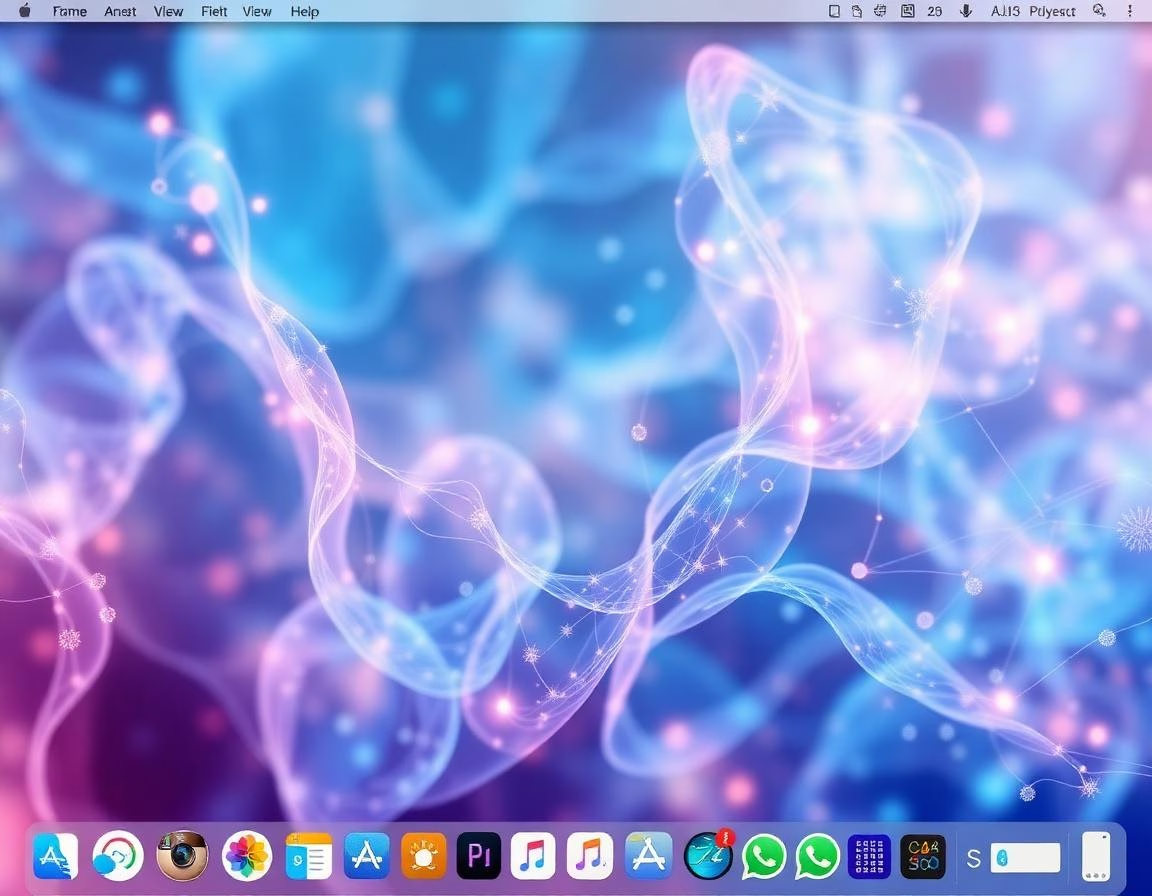
docktor: Your Custom Dock
docktor positions itself as the dock you deserve. This free utility enhances your dock experience by filling unused space with customizable widgets such as music controls, calendars, weather updates, and system statistics. Users can also access hover previews of open windows without needing to click through apps. Developed by a solo programmer, docktor is regularly updated based on user feedback, ensuring it remains relevant and functional.
Alternative: HyperDock has offered hover previews for years, although it lacks the widget feature. Users should verify its compatibility with the latest macOS before purchasing.
Kompakt: Seamless Compression
Kompakt is a drag-and-drop menu bar app that simplifies image and video compression. When you drop a file into Kompakt, it automatically pops up, allowing quick conversions for various formats including PNG, JPG, MP4, and more. As an open-source project under the MIT license, it promises future enhancements like watched folders and Finder actions.
Alternative: ImageOptim remains a standard tool for image compression but does not handle video files. If video compression is your main interest, Kompakt is the better choice.
TetherShot: Effortless Screen Captures
TetherShot is a powerful utility that captures your iPhone’s live screen over USB or Wi-Fi, producing pixel-perfect screenshots. It operates without requiring an account or analytics, making it a privacy-respecting choice for users who frequently need to capture their mobile screens.
Alternative: QuickTime Player can accomplish similar tasks but is more cumbersome, requiring a wired connection and a slightly more complex workflow. TetherShot’s one-hotkey capture feature is a significant time saver for frequent users.
FolderForge: Smart Folder Management
FolderForge brings an innovative approach to customizing folder appearances in Finder. This app allows users to apply visual styles across entire folder trees based on rules like name, contents, or marker files. It operates locally, ensuring privacy while providing a versatile tool for organizing your files aesthetically.
Alternative: Rainbow Folder is a simpler option for changing individual folder colors but lacks the advanced automation features of FolderForge.
ImageFuel: Instant Image Browsing
ImageFuel stands out by allowing users to browse images and videos in a folder without the need for importing. It supports various formats, including RAW, and presents files in a clean, scrollable grid, making photo browsing quick and efficient.
Alternative: XnViewMP is another free cross-platform option for folder-based browsing, though its interface is less modern compared to ImageFuel.
Conclusion
These five applications may not revolutionize your computing experience, but they each fulfill a specific need without compromising your privacy. They exemplify the idea that simplicity can lead to increased productivity without the burden of unnecessary accounts or telemetry. If you’re looking to enhance your Mac experience while respecting your privacy, consider trying out these utilities.
Key Takeaways:
– docktor enhances your dock with customizable widgets and previews.
– Kompakt simplifies image and video compression through a drag-and-drop interface.
– TetherShot allows for easy live screen captures from your iPhone.
– FolderForge offers advanced folder customization options.
– ImageFuel enables fast browsing of images and videos without imports.
Read more → amerpie.lol